
Puzzle Time: Brainy Challenge Walkthrough
A small clue. An unexpected move. A different story.
Independent fan-made guides. Not affiliated with the game developer.
Browse levels
No matching scene. Try a shorter name.
Recently updated
Game screenshots
About the game
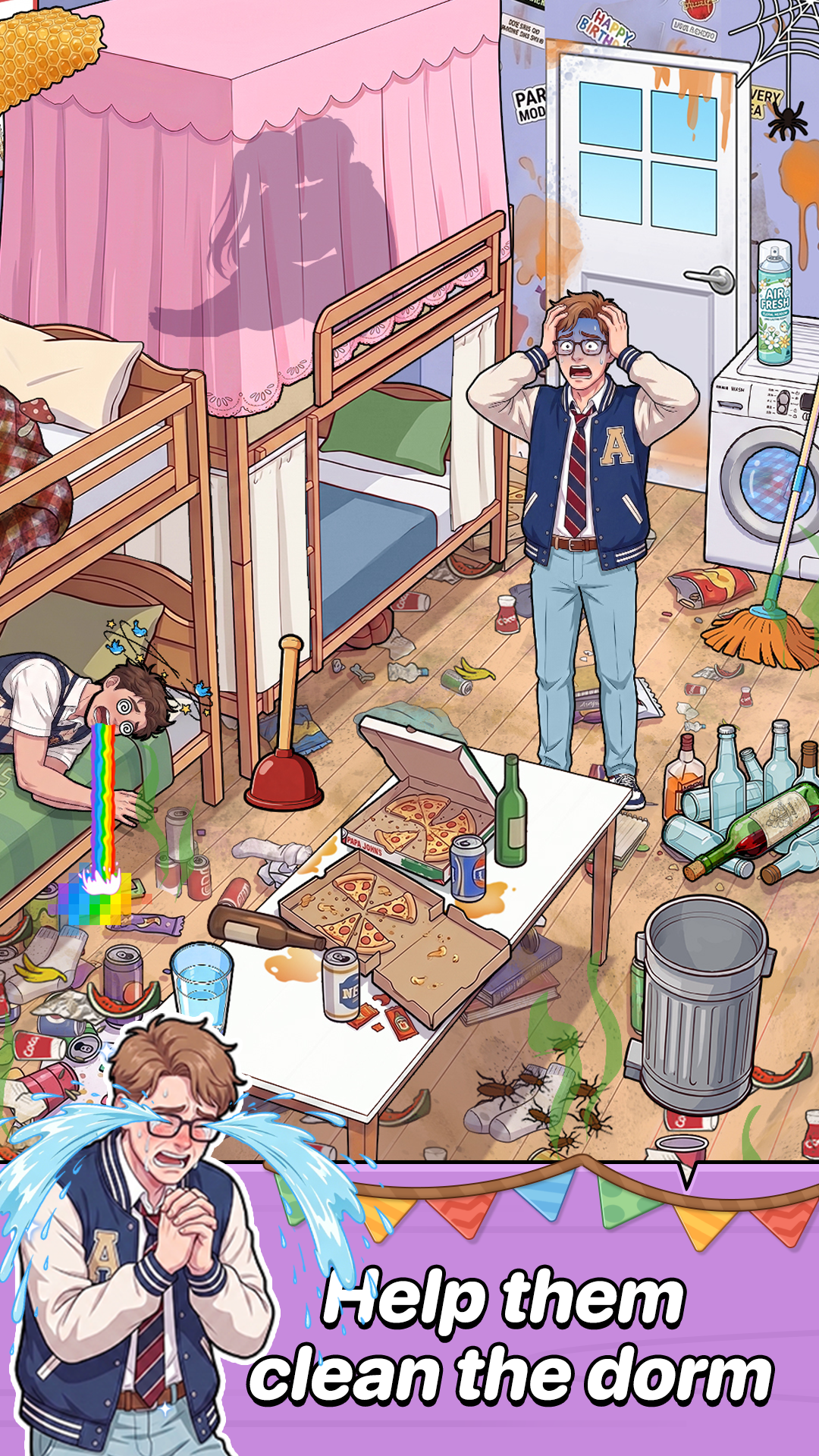
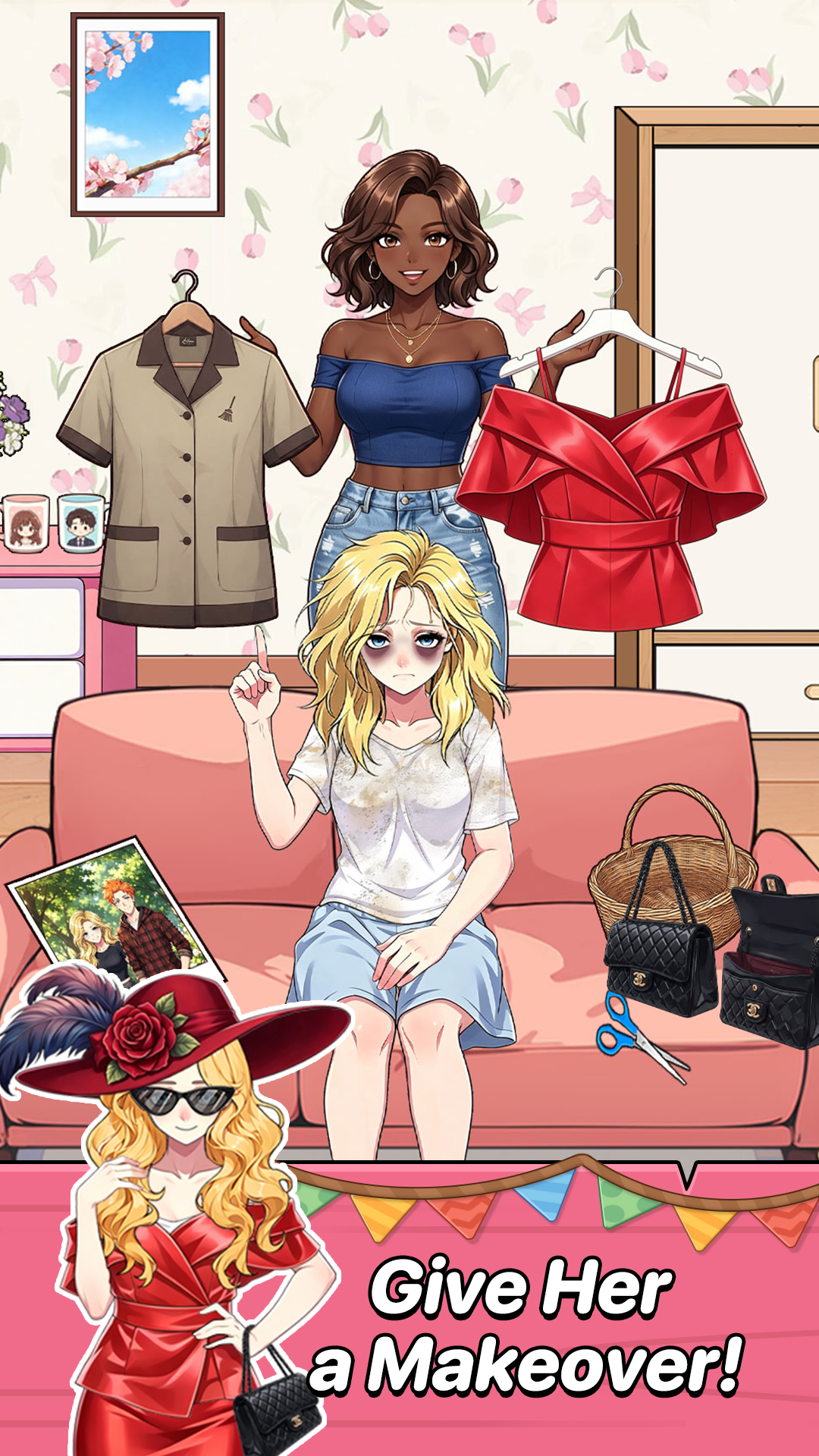
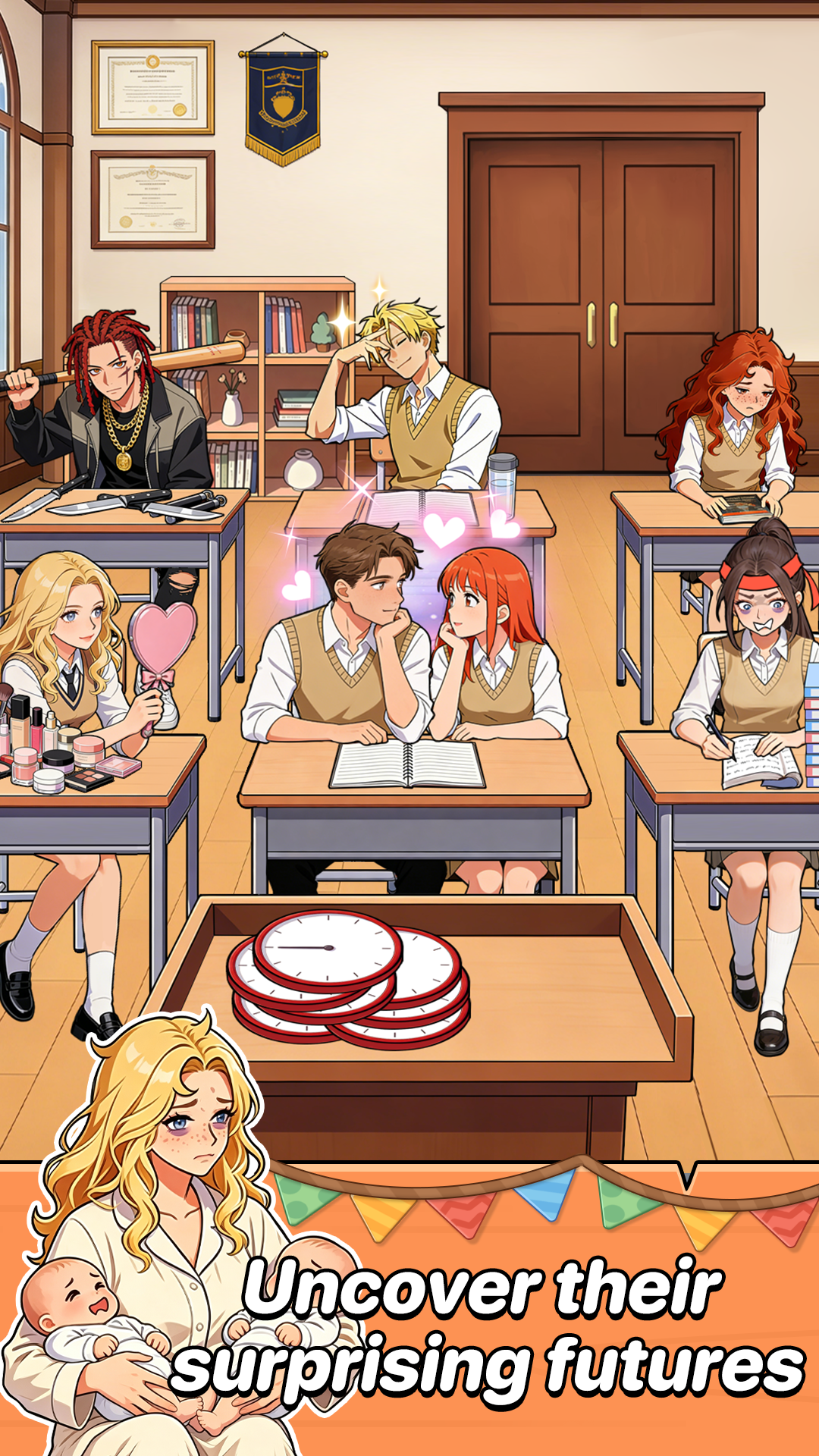
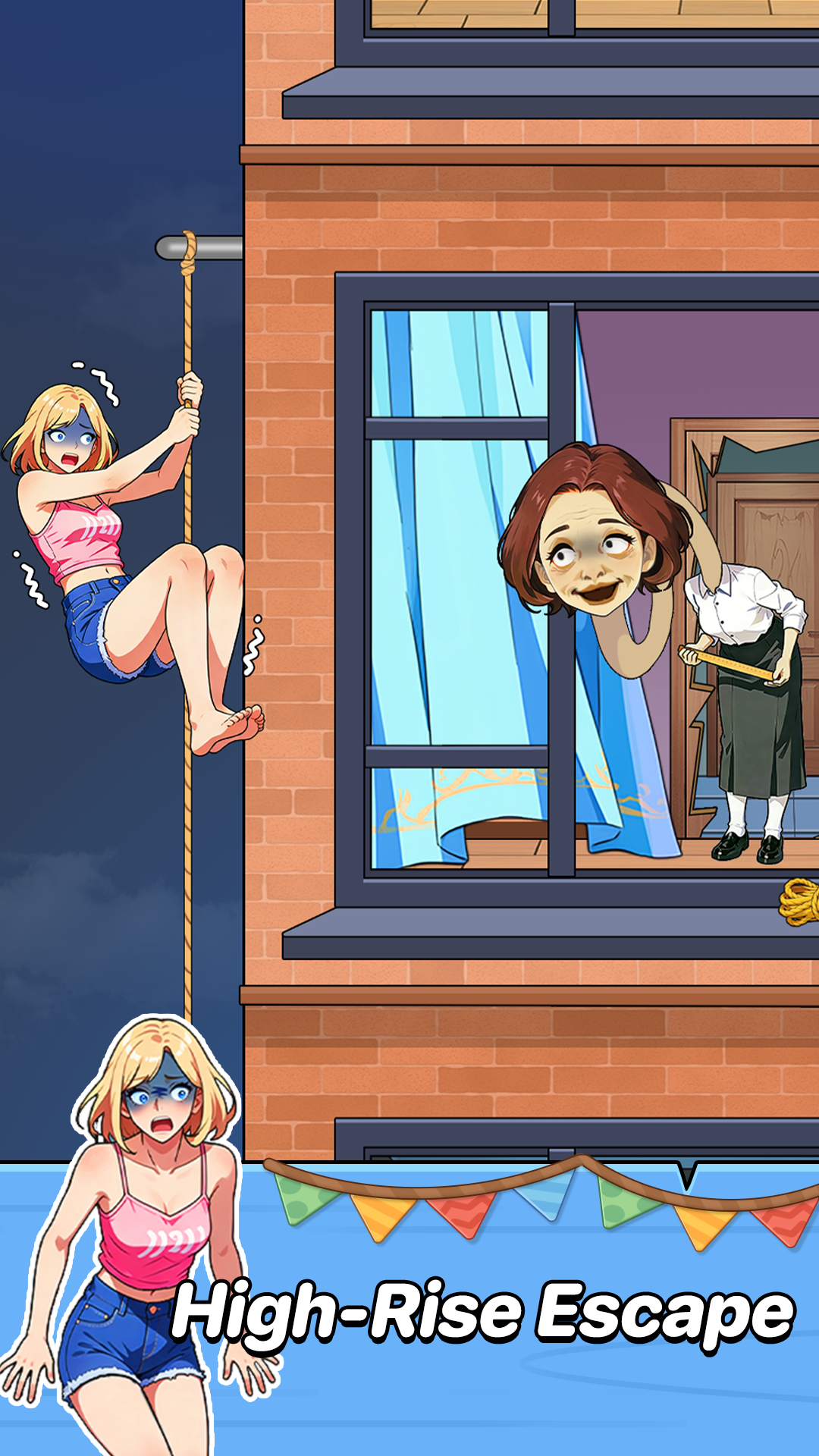
Puzzle Time: Brainy Challenge is a cartoon scene puzzle game from JoyGame Studio on Android. Use the objects around the characters to solve short, often surprising situations.
Read the task, inspect the whole scene, and try one action at a time. The order and timing of using objects can change the outcome.
Browse 140 numbered video guides. Check the scene before following a solution, since level order can vary between versions.
- Publisher
- JoyGame Studio
- Platform
- Android
- Guide coverage
- 140 levels
- Last updated
- Game store
- Google Play

Find your scene, watch its walkthrough, and try the next useful action. Puzzle Time: Brainy Challenge turns short cartoon situations into puzzles about observation, object use and unexpected outcomes.
A different little story on each screen
Puzzle Time: Brainy Challenge is an Android puzzle game published by JoyGame Studio. Its scenes put characters in awkward, amusing or dangerous situations, then ask you to change the outcome with the things already around them. The store describes short stories and surprising solutions, with particular emphasis on the timing and order of item use.
Treat each new task as a fresh situation. A busy dormitory, a makeover and an escape from a building can share the same illustrated style while asking for entirely different actions. Read the goal first, then inspect the room. An object that looks decorative may be useful, while the largest character does not necessarily need to move first.
Read the task before moving anything
Start with the instruction above the scene and translate it into a concrete outcome: who needs help, what must change, or what needs to be found? Next, look around the whole picture, including the edges and partially hidden objects. This gives each attempted interaction a reason.
Try a short tap when you want to inspect a visible target. When a movable item is involved, make a deliberate drag toward a plausible destination and watch the response. If the picture changes, pause before touching another item. You may have opened a new target, used up an object, or changed what the next interaction needs to accomplish.
Use a walkthrough without losing your place
The level finder takes you to the numbered guide. Before following the recording, compare the characters, room and task with your game. Recordings can come from versions with different level orders, so a matching scene matters more than a matching number. Scene names in the index help when a number leads to a different puzzle.
Watch only as far as the first action you need. Pause the video, perform that interaction, and compare the resulting scene. Repeat until you reach the part that blocked your progress. This approach lets you keep solving the rest yourself and makes it easier to notice a small drop target or a movement that a fast recording would otherwise hide.
What makes these puzzles tricky
The difficulty often lies in interpreting an ordinary object in an unusual way. A scene can offer several plausible targets, and an action that seems reasonable may not produce the result required by the task. The store specifically highlights sideways thinking, so consider another use or destination when your first idea fails.
Order matters too. A later interaction may depend on a change created by an earlier one. Instead of repeating the same unsuccessful drag, ask what is different between your screen and the next moment of the video. The useful clue may be an opened space, a character reaction or an object that has become available after the previous action.
Hints, advertising and progress
Google Play identifies the game as containing advertising. Read any hint, reward or purchase prompt before accepting it, and use only the options displayed by your installed version. Check the game settings if you want to understand its saving or account features. Before deleting app data or reinstalling, make sure you know how your progress is preserved.
This guide is an independent fan resource. You can read it without signing in, and no modified installer is required. Walkthrough videos remain on their creators’ YouTube channels. If an embedded player does not load, use the credited YouTube link; if the game itself fails, the developer’s store support details are the appropriate place to report it.
Choose the kind of help you need
For an unfamiliar scene, the how-to-play guide explains how to read the task and interpret interactions. The tips page focuses on getting unstuck, testing one idea at a time and using videos efficiently. The features page describes the scene-based format and practical differences between the game and this walkthrough site.
If you already know the task, search by a distinctive word such as restaurant, cat, disguise or classroom. Open the matching scene and compare the first few seconds before continuing. The index counts published guides rather than claiming a fixed total number of game levels. New versions can add scenes or change their order, so keep the actual picture as your reference.
Frequently asked questions
What is Puzzle Time: Brainy Challenge?
It is a collection of illustrated scene puzzles from JoyGame Studio. Each situation gives you a goal and a set of characters or objects to interact with. The challenge comes from interpreting the scene and discovering how the available items can produce the requested result, sometimes through an unexpected visual joke.
How do I find the answer to my level?
Enter its number in the level finder, open the guide, and compare the scene before pressing play. Watch until the first successful action, pause, and reproduce that action in your game. Continue from the point where your scene and the recording match instead of attempting to remember the entire sequence at once.
Why does the video show a different puzzle?
Level numbering can differ between game versions and recordings. Compare the task, characters, room and available objects rather than relying on the number alone. Look through the scene names in the index when the picture differs. A correct solution for another scene will not help simply because it has the same number.
Is the game free?
Google Play lists the game with advertising. Reading this independent guide does not require an account or payment. Any purchase, reward or advertising offer inside the game belongs to the game itself. Read the terms displayed on your device before accepting an offer, since a guide cannot change those conditions.
Can I play the game online on this website?
This website provides written advice and YouTube walkthroughs; it does not run a browser edition of the game. To play the Android version, use its Google Play listing. Keep the guide open separately so that you can return to the same video when an object or interaction becomes difficult to identify.
Does this site provide a mod or no-ads APK?
No modified installer is needed to use the walkthroughs. For installation and updates, use the game store associated with your device. An unfamiliar modified package may differ from the version shown in a guide, and any advertised removal of ads should be checked against the options actually offered inside the game.
How do I use objects?
Read the task and watch how the scene responds to an ordinary tap or a controlled drag. Match the starting object and the destination separately. If the object returns to its original place, reconsider the target or the stage of the puzzle before trying the same movement repeatedly. Some situations depend on action order.
Why does dragging the right object fail?
The destination, direction or timing can be as important as the object. Check whether an earlier action has prepared the target, and let the previous animation finish. Pause the walkthrough at the moment of contact to compare the drop location. A similar-looking area nearby may not accept the same object.